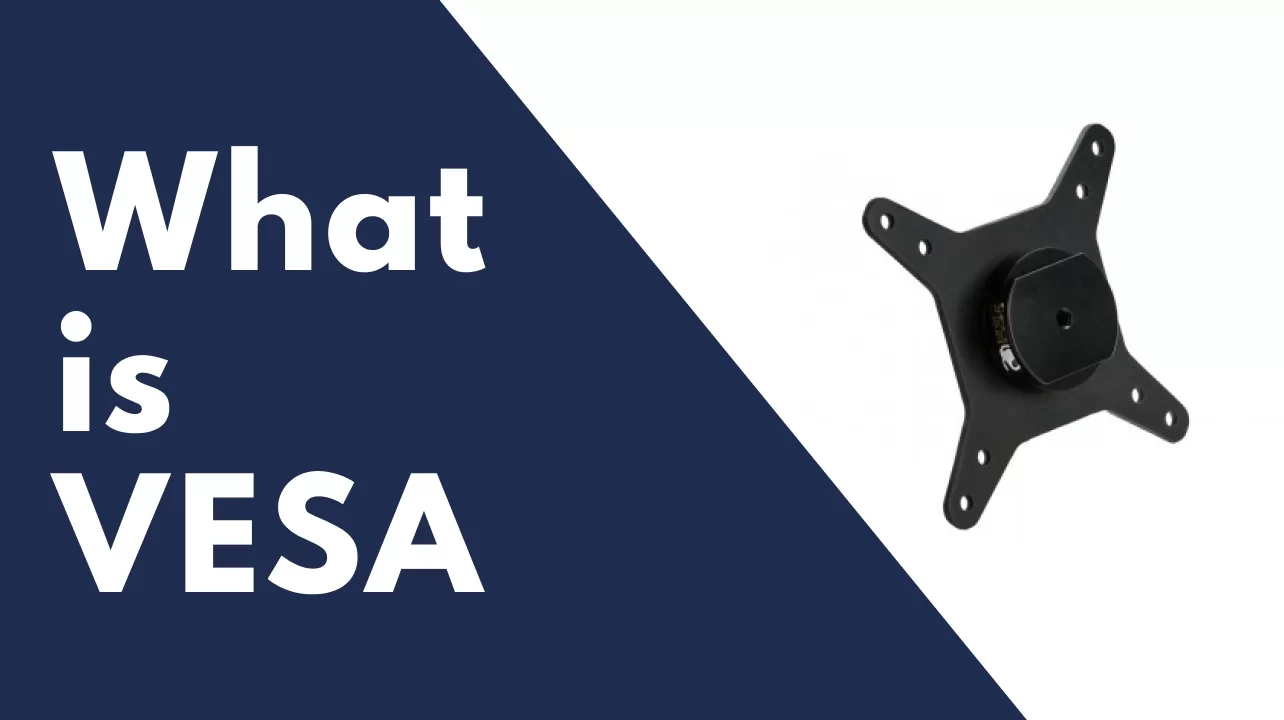
VESA – it is flat Display Mounting Interface, VESA patterns are used to determine the position of the four mounting holes on the back of
your monitor or screen. They’re measured horizontally and vertically in millimeters, and come in wide range of sizes, depending on the model and size of your monitor Both Monitor and monitor mount manufacturers follow these standards to ensure that their products are compatible with one another.
Typically, you can find your Monitor’s VESA pattern in the manual or on the manufactures website. If not.
To find the first measurement, you’ll want to measure the horizontal distance between the centers of the left and right holes. Most monitors and screen’s measures to 75 x 75 millimeters or 100 x 100 millimeters VESA holes.
It’s standard for monitors to be mountable with VESA standard mounts (though do double-check yours before buying), and all of the monitor arms on this list are VESA compatible.
And most arms can comfortably support the average screen, but if you’ve got one that’s especially large or heavy, check the weight the arm you’re looking at supports.
iMacs can even be mounted on arms, though you’ll need to ask Apple for a VESA plate to add to it when you buy it, and you’ll want to buy a sturdy arm.